
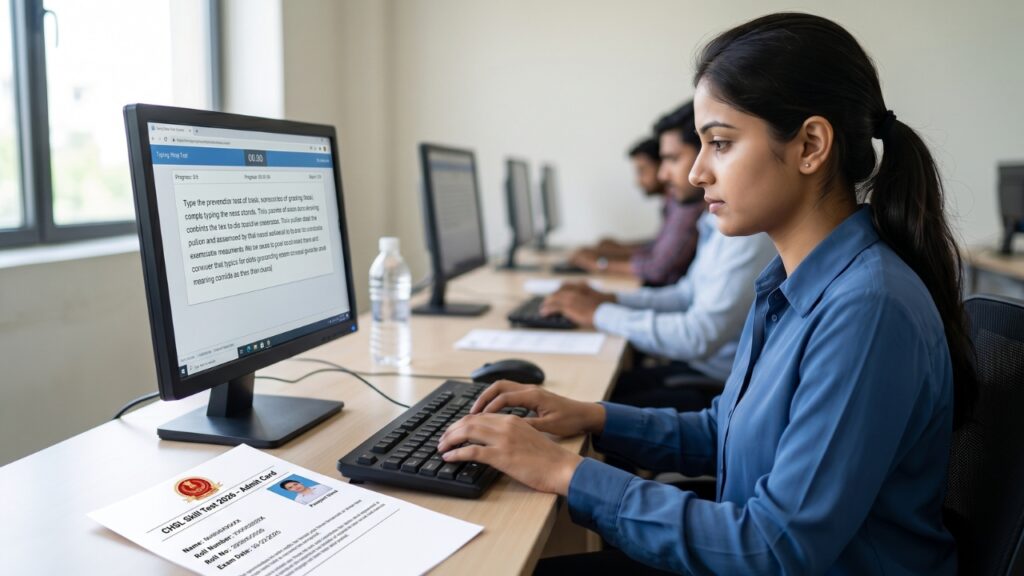
The Staff Selection Commission (SSC) has officially released the SSC CHSL Skill Test Admit Card 2026 on April 17, 2026. This specific admit card is issued for candidates who are required to appear for the Skill Test / Typing Test (Tier-2) re-examination.
Please note that the examination scheduled for April 10, 2026 (Shift-I) was canceled due to technical issues. The re-examination for these affected candidates will now be conducted on April 22, 2026. Candidates who appeared in Shift-II on April 10 or who were exempted do not need to reappear. Read the complete details and follow the step-by-step process below to download your hall ticket.
SSC CHSL Skill Test Re-Exam 2026: Quick Overview
Here is a quick summary of the SSC CHSL Typing / Skill Test 2026 re-examination:
| Particulars | Details |
| Conducting Body | Staff Selection Commission (SSC) |
| Exam Name | CHSL 2025 Skill Test / Typing Test (Re-examination) |
| Reason for Re-exam | Technical Issues in Shift-I (10 April 2026) |
| Admit Card Release Date | 17 April 2026 |
| Re-Exam Date | 22 April 2026 |
| Exam Mode | Skill Test / Typing Test (Computer Based) |
| Official Website | ssc.gov.in |
Important Dates For SSC CHSL Skill Test
Candidates must note the revised schedule to ensure they do not miss any important deadlines:
| Event | Date | Status |
| Original Skill Test Date (Affected Shift) | 10 April 2026 (Shift-I) | Cancelled |
| Admit Card Release Date | 17 April 2026 | Live Now |
| Re-Exam Date | 22 April 2026 | Upcoming |
| Final Result Declaration | To be announced | Awaited |
Extra Detail: SSC CHSL Typing Test / Skill Test Criteria
Before appearing for the exam, it is crucial to understand the typing speed and skill test rules. Below are the post-wise criteria:
| Post Name | Skill Test / Typing Test Criteria |
| LDC / JSA | English Typing: 35 Words Per Minute (wpm) OR Hindi Typing: 30 Words Per Minute (wpm). A duration of 10 minutes will be given. |
| Data Entry Operator (DEO) | 8,000 Key Depressions per hour on Computer. A duration of 15 minutes will be given, requiring approx 2000-2200 strokes. |
| DEO (Grade A in CAG/Consumer Affairs) | 15,000 Key Depressions per hour on Computer. |
Note: The Skill Test is qualifying in nature, meaning it is mandatory to pass, but the marks will not be added to the final merit.
How to Download SSC CHSL Skill Test Admit Card 2026?
Follow these simple steps to download your SSC CHSL Re-Exam Admit Card online:
- Visit the Official Website: Go to the official SSC portal at ssc.gov.in.
- Open Admit Card Section: Click on the “Admit Card” or “Latest Announcements” section on the homepage. (You may be redirected to your regional SSC website).
- Click on the Link: Find and click on the link titled “SSC CHSL Skill Test Admit Card 2026 (Re-exam)”.
- Fill in Details: Enter your Registration Number or Roll Number along with your Date of Birth or Password. Fill in the Captcha code correctly.
- Download PDF: Click on the “Submit” button. Your hall ticket will be displayed on the screen. Download it and take 2-3 clear printouts.
Join Our Job Alert Community
Mandatory Documents for Exam Day
To gain entry into the examination center, candidates must carry the following original documents:
- Admit Card Printout: A clear hard copy of the downloaded admit card.
- Original Photo ID Proof: Bring any one valid ID such as Aadhaar Card, Voter ID Card, Driving License, PAN Card, or Passport.
- Passport Size Photos: Carry 2 recent passport-size color photographs (preferably the same as uploaded in the application form).
Strict Warning: Mobile phones, smartwatches, Bluetooth devices, and study materials are strictly prohibited inside the examination hall.
Important Links Quick Access
Use the direct links below to download your admit card and get the latest government job updates:
| Document / Portal | Direct Link |
| SSC Official Website | Visit Portal |
| Join WhatsApp Channel | Click Here |
| Join Telegram Channel | Click Here |
If you encounter any technical issues while downloading your admit card, contact the SSC regional helpdesk immediately or try clearing your browser cache.